Release 26.10

Jelly Toast 26.10 is here

Three updates: notifications, photo editing and a What's New walkthrough.
Make a Jelly Toast!

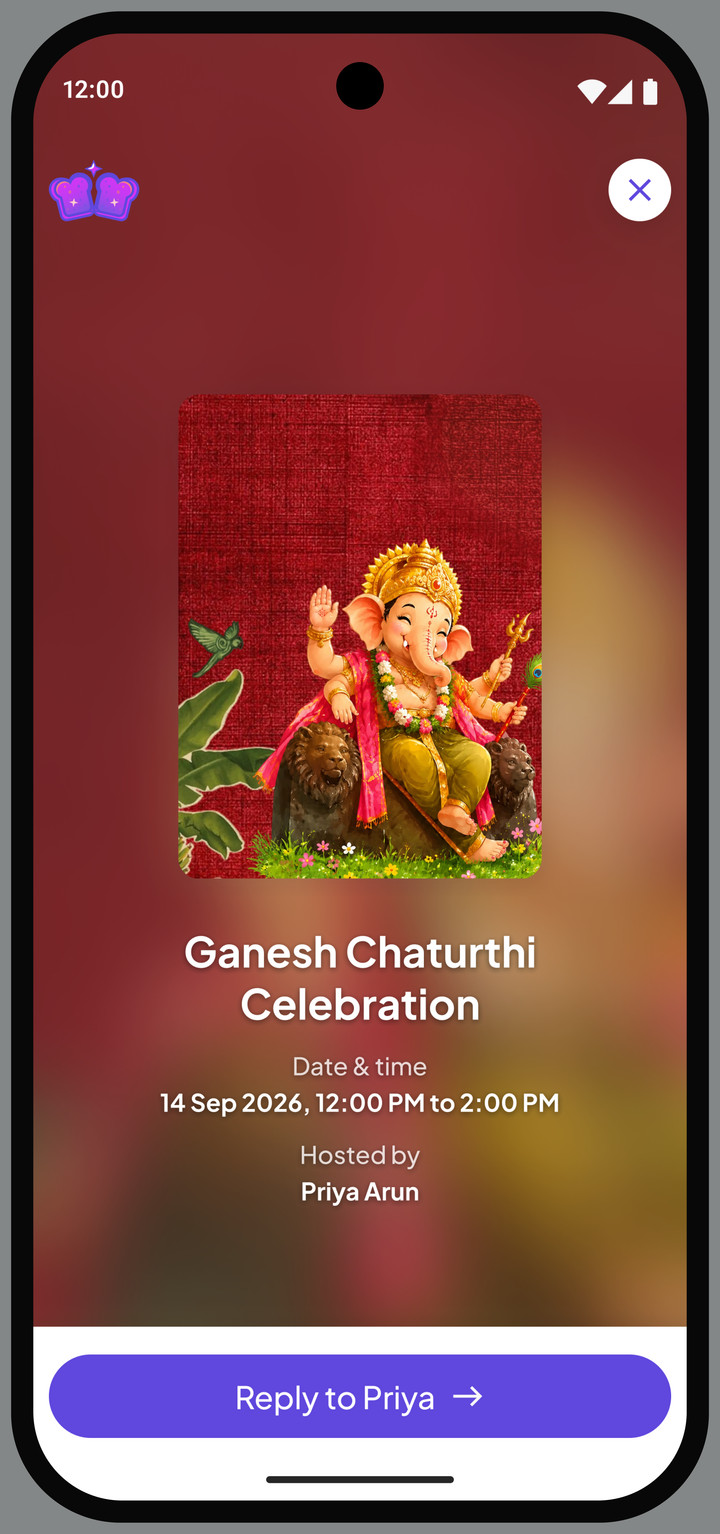
The invitation a guest opens in Jelly Toast for a Ganesh Chaturthi Celebration, showing the date and time, the host Priya Arun, and a button to reply to Priya.
The invitation a guest gets

Inbox

Notifications

Jelly Toast now lets you know what's happening at your events. Catch up anytime in your new inbox; just tap the bell on the home screen.
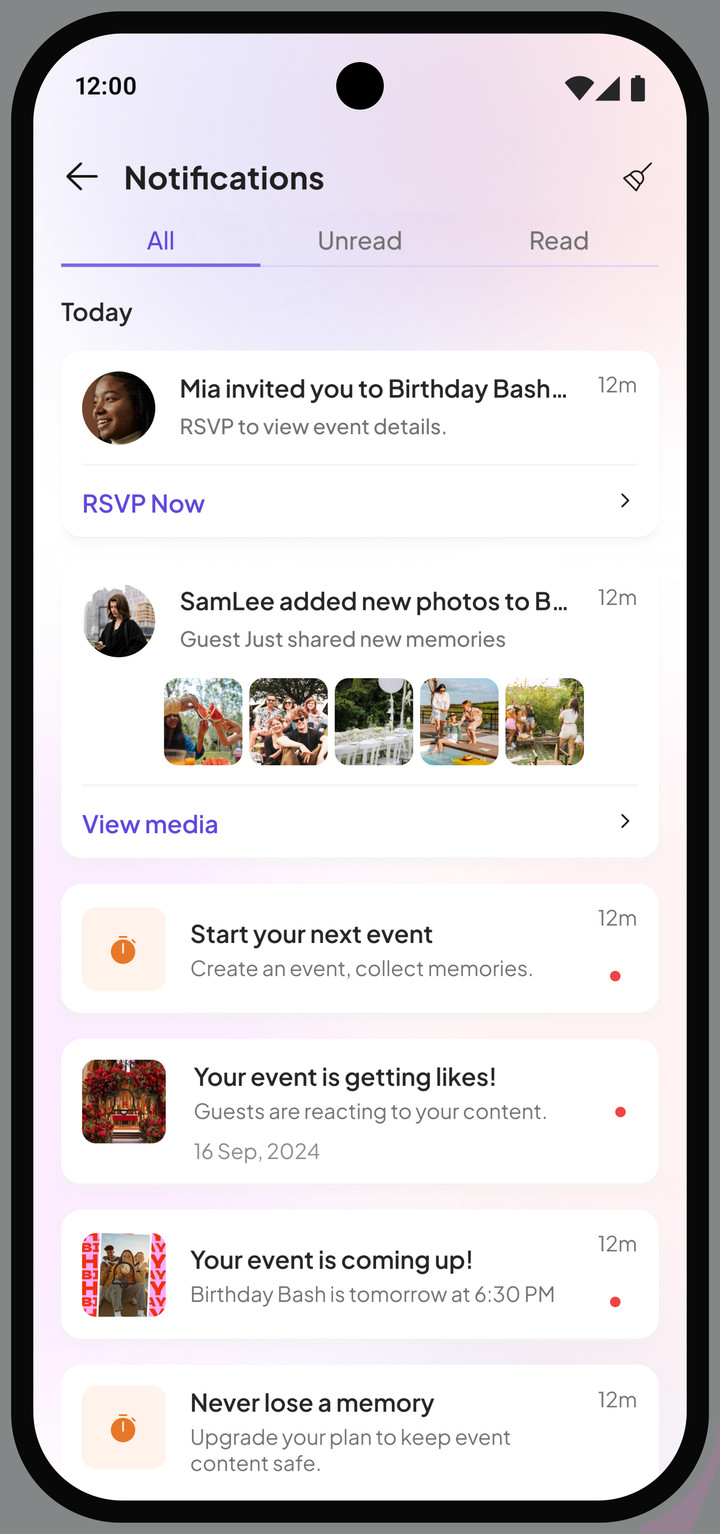
The Jelly Toast Notifications inbox, with All, Unread and Read tabs and a list of updates, including an invitation to Birthday Bash with an RSVP Now link and new photos added to an event.
Your new inbox
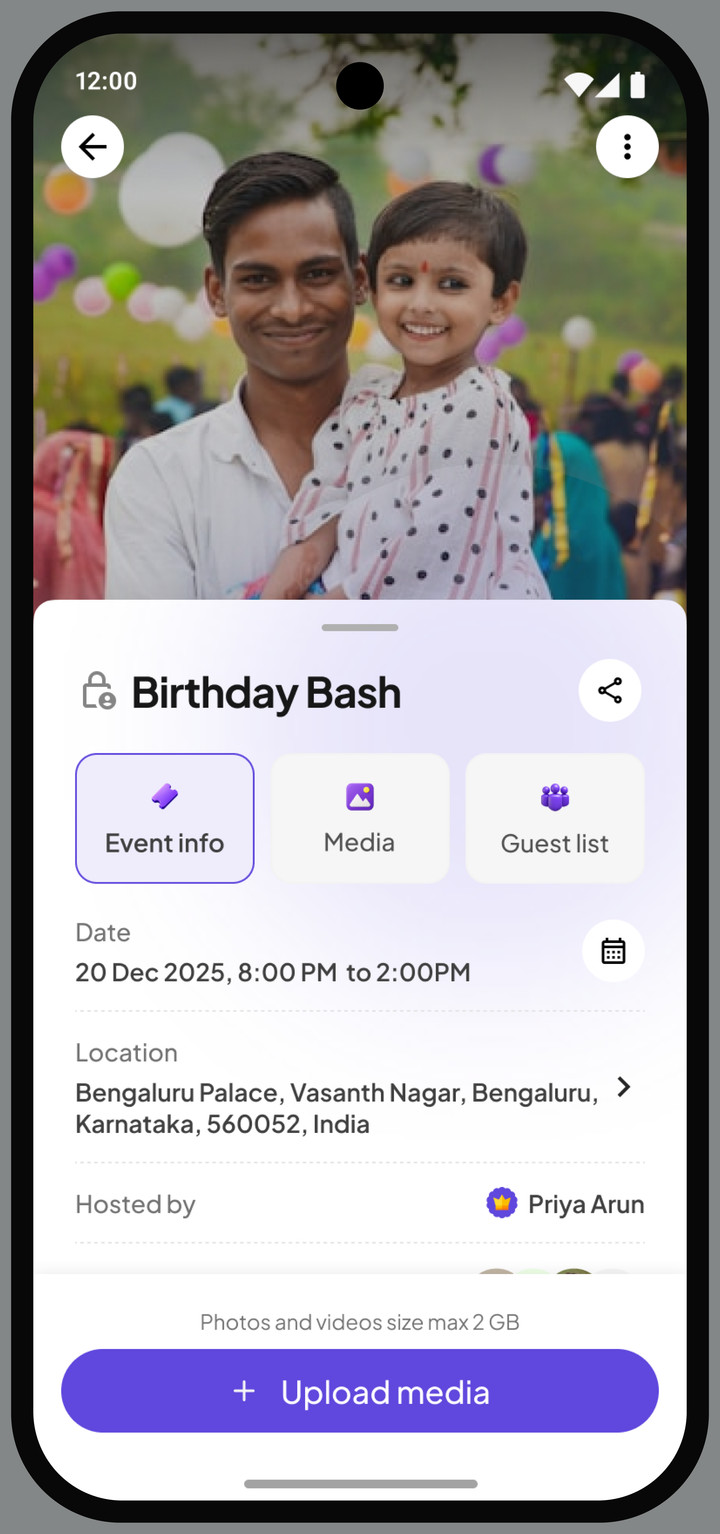
A Jelly Toast event page called Birthday Bash, with tabs for event info, media and guest list, showing the date, the location, the host, and a button to upload media.
The event behind the update

Photos

Edit your photos

Touch up a photo right in the app before you share it with your guests.
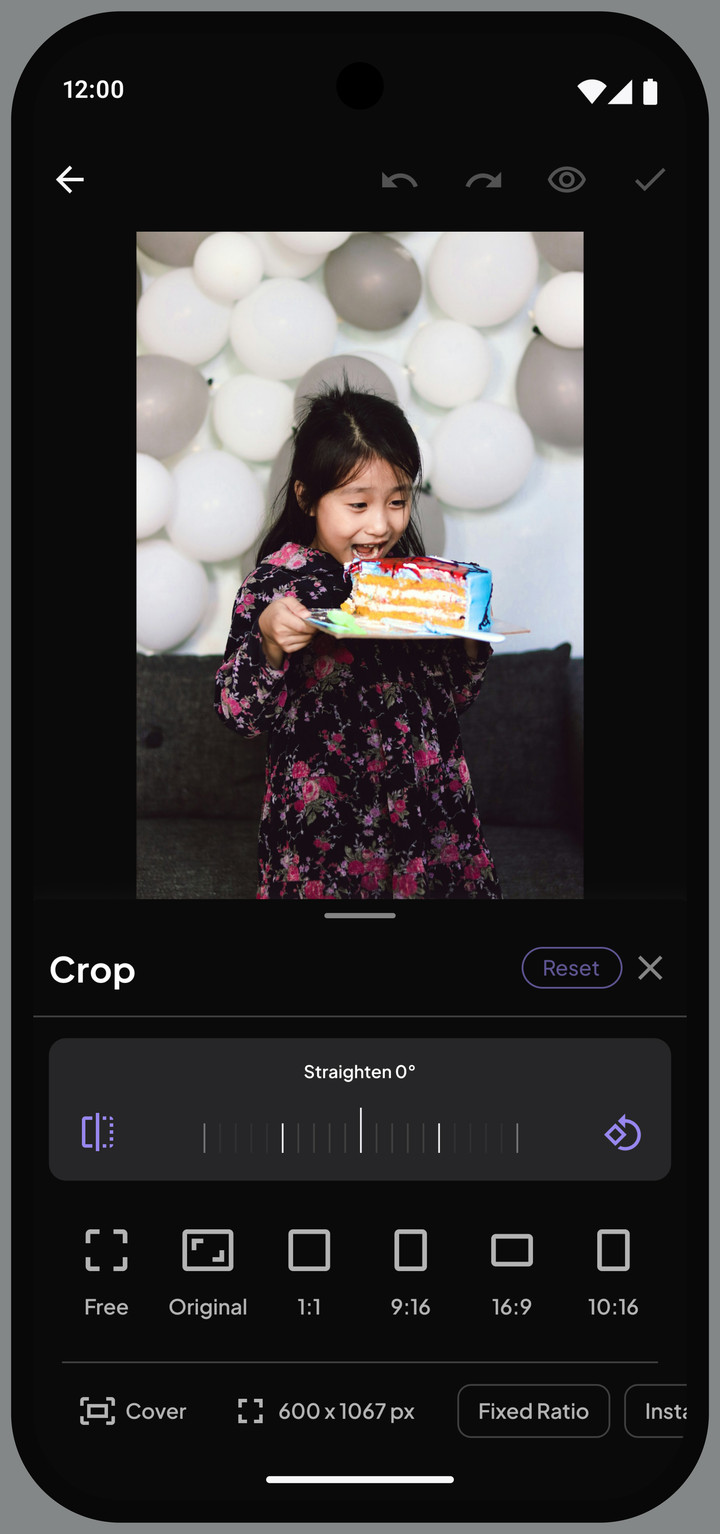
The Jelly Toast photo editor on its Crop tool, showing a photo of a child with a birthday cake, a straighten slider, and aspect ratio choices from Free to 16:9.
Crop and straighten
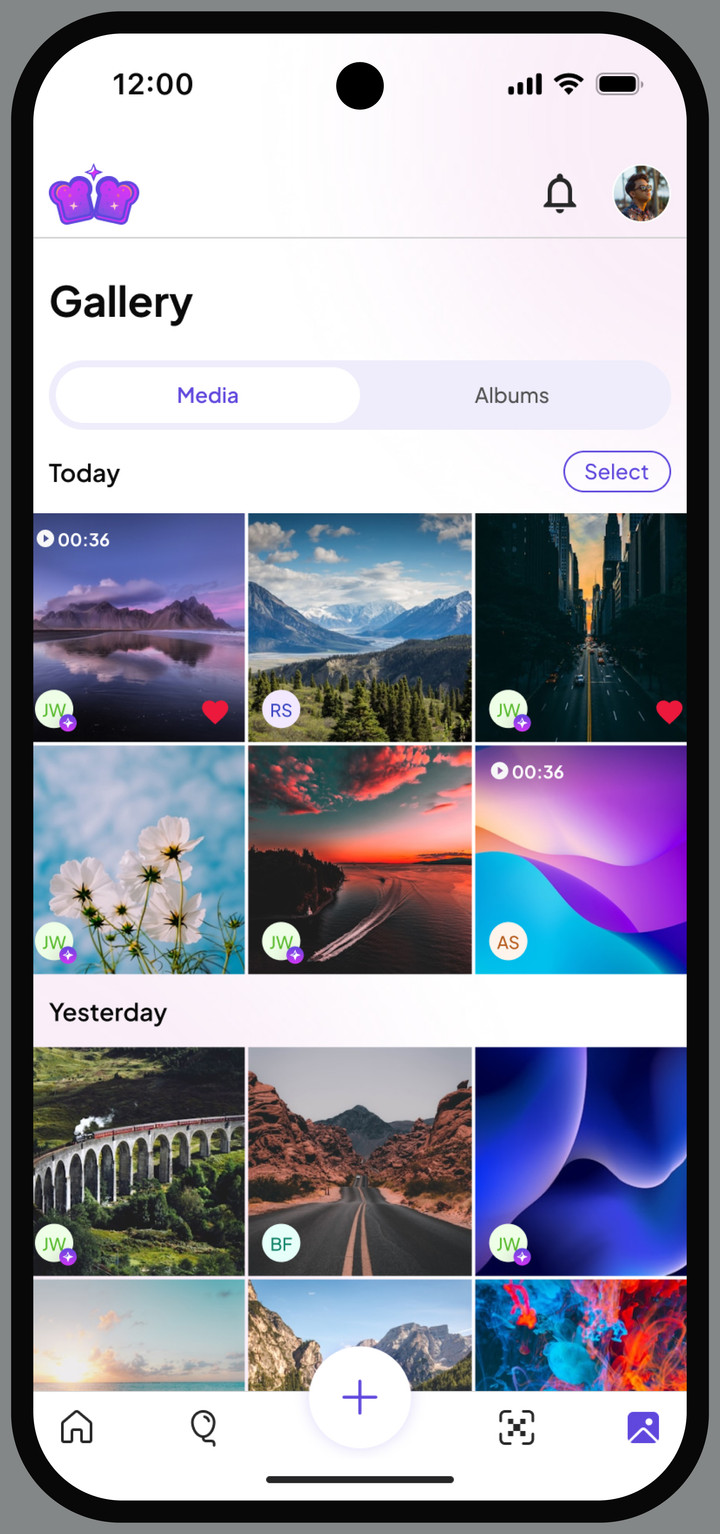
The Jelly Toast Gallery on its Media tab, showing a grid of photos and videos grouped under Today and Yesterday.
Then share from the Gallery

Walkthrough

What's New

New to Jelly Toast? A short walkthrough shows you how to create an event, join one and find your photos.
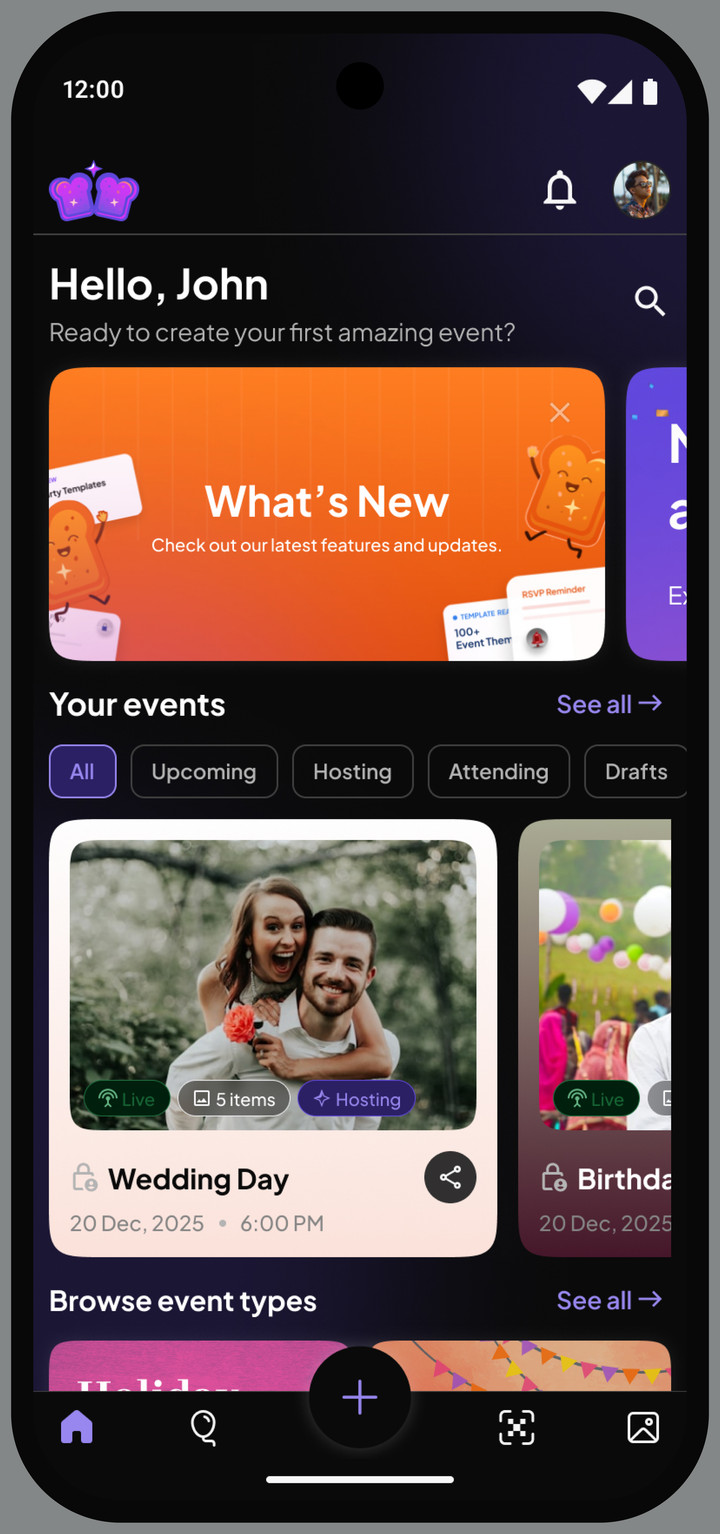
The Jelly Toast home screen, with a bell at the top, an orange What's New card reading Check out our latest features and updates, and the person's own list of events below.
What's New, right on the home screen
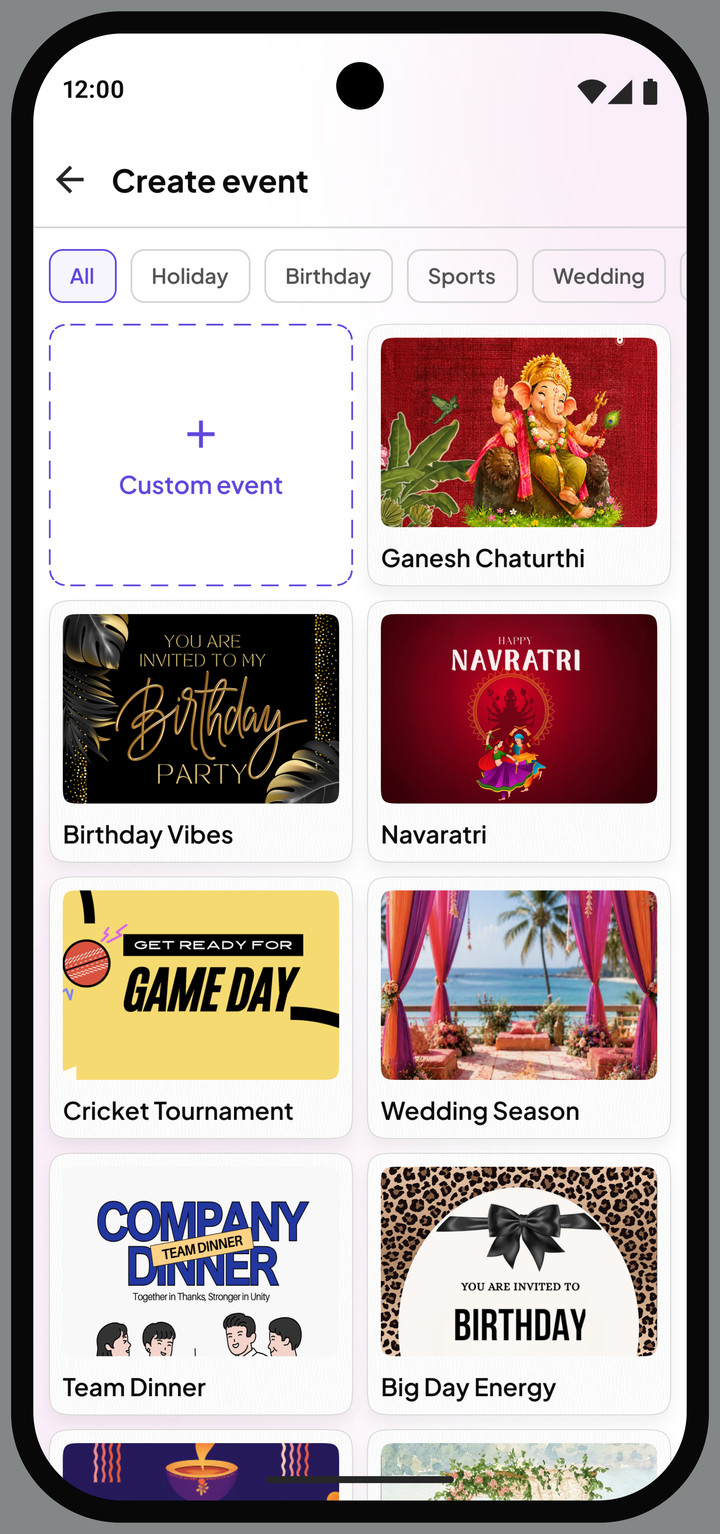
The Jelly Toast Create event screen, with a custom event tile and template covers for Ganesh Chaturthi, Birthday Vibes, Navaratri, Cricket Tournament, Wedding Season, Team Dinner and Big Day Energy.
Create an event

Make every moment
a toast

Make a Jelly Toast!